Update for 2019: No major changes to the Instagram verification process. We’ll continue to update this article as changes occur. Make sure you get your blue check using our steps below!
Obtaining the coveted blue verification tick for Instagram accounts has been a notoriously tricky process. Without a set verification system, businesses and Internet celebrities alike have had to jump through hoops to add the shiny blue badge to their profiles. Without knowing someone in the industry, having a certain level of fame, or even pursuing less than honest methods, it seemed nearly impossible to obtain Instagram verification. That is, until now. Here’s what we know about Instagram’s newest update and what it means for the platform and its community.
 1. How Do I Get Verified?
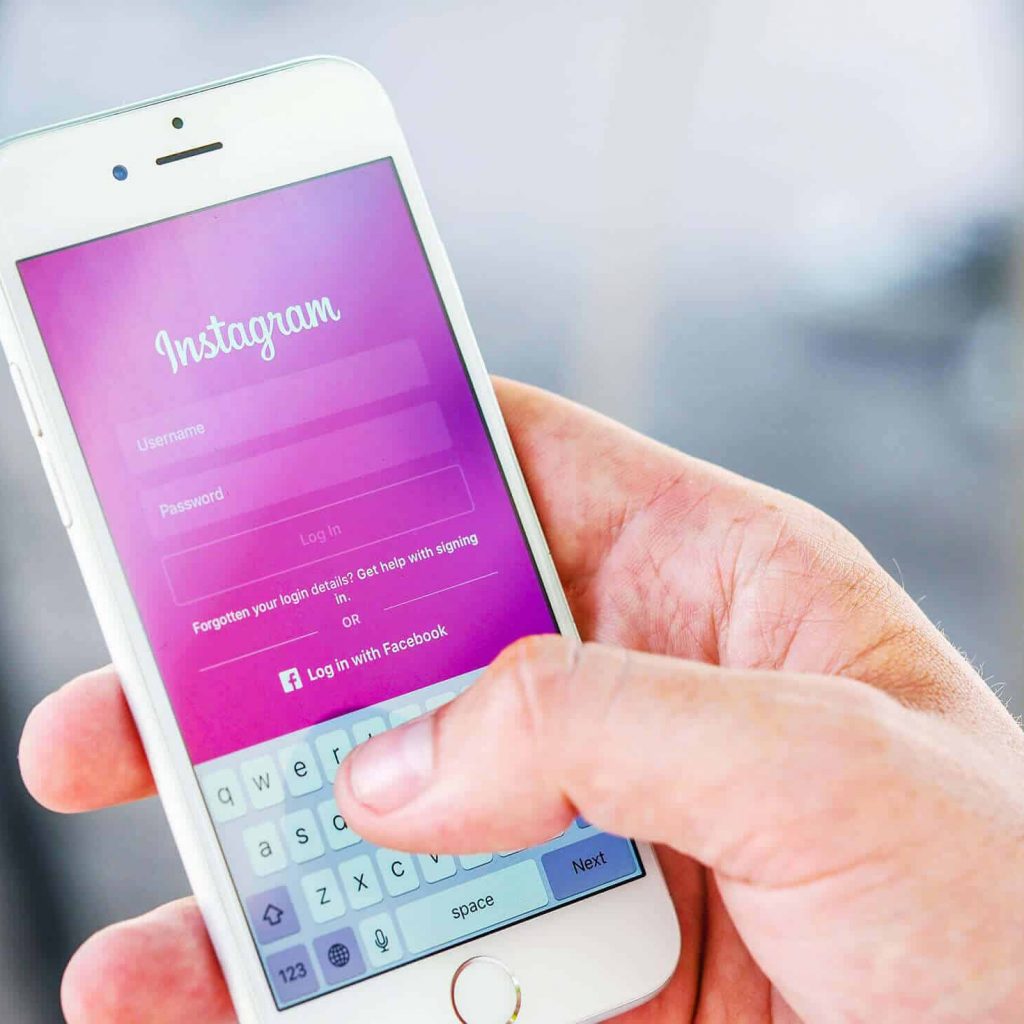
Instagram announced their global verification process on August 28, 2018, as part of a larger security announcement. Now, within the app, users can request to be verified by the platform. The request tab can be found in the “Account” section when a user goes into the “Settings” tab within the app. The user will then be prompted to provide a username, a full name, and a copy of legal or business identification. This information will help Instagram verify the applicant’s identity, and it will not be publicly shared. Applicants will receive an in-app notification when the process has been completed! Don’t be upset if your request was denied – you can try again in 30 days!

2. Tips and Account Requirements
Simply submitting a request does not guarantee the verification of an Instagram account. Users will still need to follow the app’s account and eligibility requirements. Instagram will assess your account of the following criteria: authenticity, uniqueness, completeness, and notability.
According to Instagram, an authentic account is one that “represent[s] a real person, registered business or entity.” Basically, you have to be the person or business you are representing. No impersonations here!
By a unique account, Instagram intends only to verify one account per business. Individual exemptions may be made for “language-specific accounts”. General interest accounts, such as meme pages, will not be eligible for account verification.
For an account to be complete, it must be public and have a bio, a profile picture, and at least one post. A verified profile cannot have “add me” links to other social media platforms or services – so keep your Twitter handle and Snapchat usernames out of your Instagram bio if you’re planning on trying for verification!
Finally, notable accounts are well-known, highly searched for persons, brands, or entities. Instagram will review accounts that are mentioned in multiple news sources, but they do not consider paid or promotional content to be reliable sources. Unfortunately, that means most of us will not be eligible for verification.
What to Expect
 Even with the new request form, it is not likely that most users will be able to make the cut. Instagram verification has been known to be spotty in the past. People with large followings can struggle to achieve verified status, while others with vastly smaller audiences have no trouble. The app hasn’t released how long the process will take, nor except numbers about their requirements. Nevertheless, users now have more autonomy over their “verified” status! Questions about your Instagram account? Contact us for a free social media consultation today!